
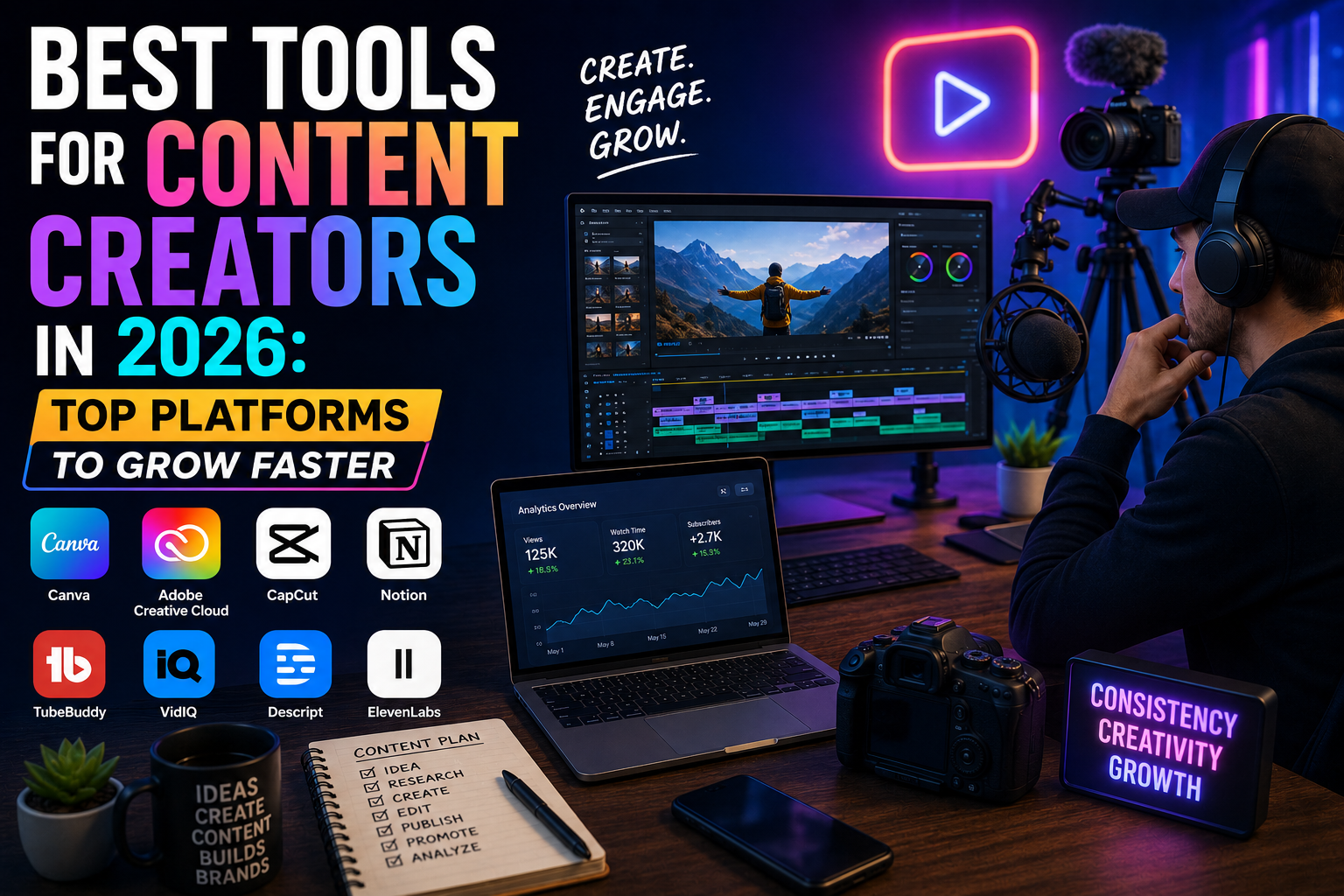
Introduction
There have been a lot of changes in the field of content creation within the past few years.
These days, there are many different responsibilities of a content creator – writing articles, creating graphics, editing videos, managing social media channels, and monitoring analytics. This means that it’s essential to have all the needed tools available.
The moment when I began to create content, I understood how beneficial it was to have a suitable software application at hand, which saved my time and allowed me to do my work better.
Below, I am going to discuss the most useful content creation tools in 2026.
What Are Content Creator Tools?
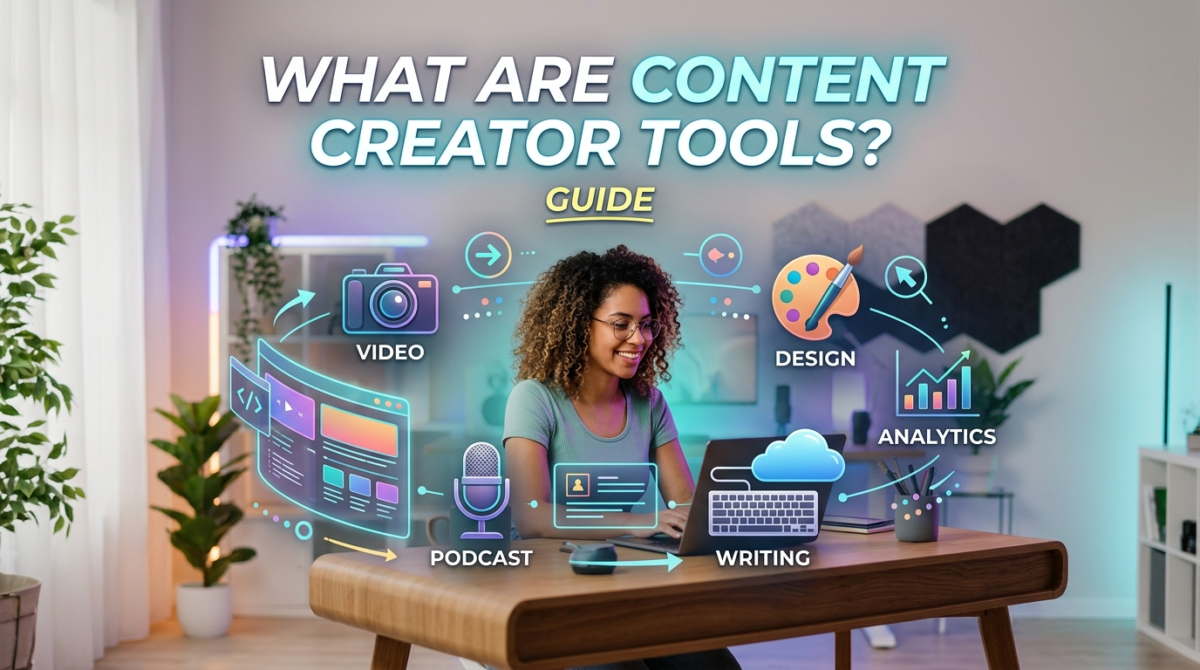
Content creation tools are software applications which aid the process of creating, editing, publishing, and managing content.
There are various kinds of content for which these tools can be used. Some examples are:
Blog posts
Videos
Social media content
Podcasts
Graphics
Marketing content
Since content creation is a complex process, several tools are used in conjunction with one another.
Why Content Creators Need the Right Tools
Creating content takes time.
However, the right tools simplify workflows, improve quality, and increase productivity.
As competition grows, efficiency becomes a major advantage.
Benefits of Using Creator Tools
- Faster content production
- Better content quality
- Improved organization
- Easier collaboration
- Stronger audience growth
Key Features to Look for in Content Creator Tools
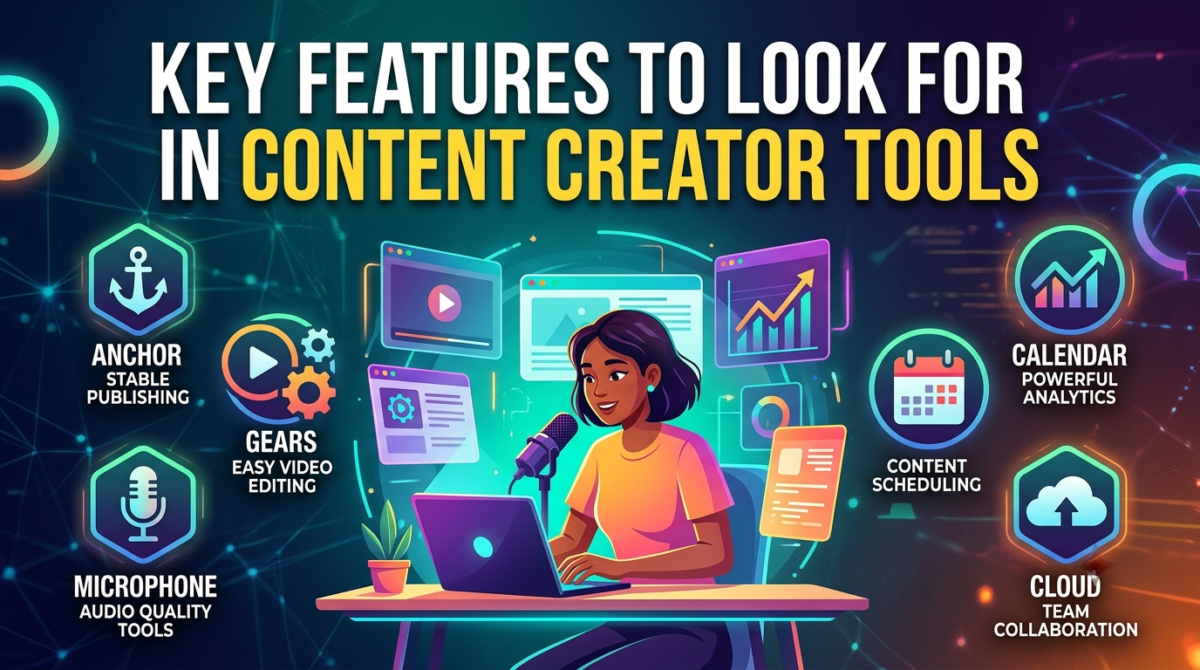
Before choosing a platform, I recommend looking at several important features.
Ease of Use
A tool should help you work faster, not create more confusion.
AI-Powered Features
AI can generate ideas, edit content, and automate repetitive tasks.
Collaboration Options
Many creators work with editors, designers, or team members.
Content Scheduling
Scheduling features help maintain consistency.
Analytics and Reporting
Performance data helps improve future content.
Pricing and Value
The best tool is not always the most expensive one.
Best Tools for Content Creators in 2026
Canva
Best For
Graphic design and social media content.
Key Features
- Templates
- AI design tools
- Presentation creator
- Social media graphics
Pros
- Easy to use
- Beginner-friendly
- Large template library
Cons
- Limited advanced design controls
ChatGPT
Best For
Writing and brainstorming.
Key Features
- Content creation
- Idea generation
- Research assistance
- Content planning
Pros
- Saves time
- Highly versatile
Cons
- Requires human editing
CapCut
Best For
Video editing.
Key Features
- AI captions
- Video templates
- Mobile editing
- Effects library
Pros
- Beginner-friendly
- Fast workflow
Cons
- Limited professional controls
Adobe Express
Best For
Quick visual content creation.
Key Features
- Graphic design
- Templates
- AI tools
- Social content creation
Pros
- Easy integration
- Professional quality
Cons
- Some premium features require payment
Notion
Best For
Planning and organization.
Key Features
- Content calendars
- Task management
- Notes
- Collaboration tools
Pros
- Highly customizable
- Great organization
Cons
- Learning curve for beginners
Grammarly
Best For
Writing improvement.
Key Features
- Grammar checking
- Clarity suggestions
- Tone analysis
Pros
- Improves readability
- Easy to use
Cons
- Premium features cost extra
TubeBuddy
Best For
YouTube growth.
Key Features
- Keyword research
- SEO tools
- Channel optimization
Pros
- Excellent for YouTubers
- Helpful analytics
Cons
- Limited outside YouTube
Buffer
Best For
Social media scheduling.
Key Features
- Post scheduling
- Analytics
- Content planning
Pros
- Saves time
- Simple interface
Cons
- Advanced features require paid plans
Descript
Best For
Podcast and video editing.
Key Features
- AI transcription
- Audio editing
- Video editing
Pros
- Innovative workflow
- Time-saving features
Cons
- Advanced projects may require training
Midjourney
Best For
AI-generated images.
Key Features
- AI art creation
- High-quality visuals
- Creative image generation
Pros
- Exceptional image quality
- Creative flexibility
Cons
- Learning curve for prompts
Best AI Tools for Content Creators
AI continues to transform content creation.
Some of the most useful AI tools include:
- ChatGPT
- Midjourney
- Canva AI
- Grammarly
- Descript
These tools help creators produce more content without sacrificing quality.
Best Video Editing Tools for Content Creators
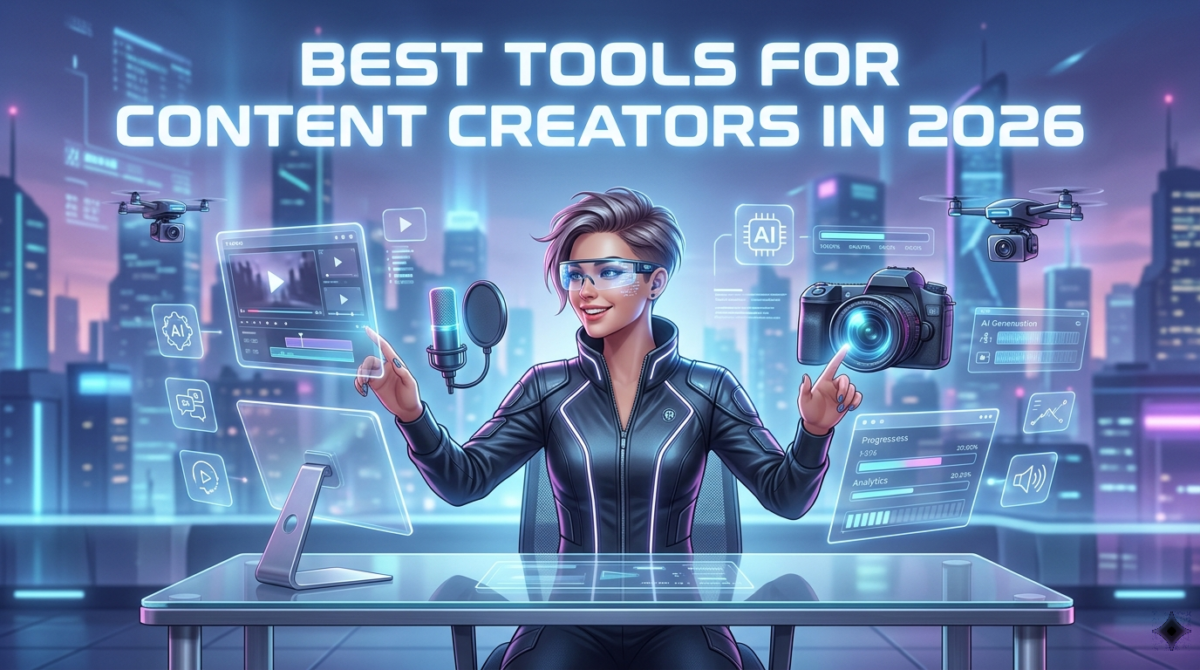
For video creators, several platforms stand out.
Top choices include:
- CapCut
- Descript
- Adobe Premiere Pro
Each platform serves different experience levels and content styles.
Best Social Media Tools for Content Creators
Consistency matters on social media.
Popular social media tools include:
- Buffer
- Canva
- ChatGPT
Together, these tools simplify content planning and publishing.
Best Free Tools for Content Creators
Not every creator has a large budget.
Fortunately, several excellent free tools are available:
- Canva Free
- ChatGPT Free
- Google Docs
- Buffer Free Plan
- Grammarly Free
These platforms provide significant value without requiring major investment.
Content Creator Tools Comparison
| Tool | Best For | Ease of Use |
|---|---|---|
| Canva | Graphics | Very Easy |
| ChatGPT | Writing | Easy |
| CapCut | Video Editing | Easy |
| Notion | Organization | Medium |
| Grammarly | Writing | Easy |
| TubeBuddy | YouTube | Easy |
| Buffer | Social Media | Easy |
| Descript | Audio & Video | Medium |
| Midjourney | AI Images | Medium |
How to Choose the Right Content Creator Tool
The best tool depends on your content goals.
Content Type
A blogger needs different tools than a YouTuber.
Budget
Choose tools that fit your current stage.
Skill Level
Beginners often benefit from simpler platforms.
Growth Goals
Think about where you want your content business to be in the next year.
Tips for Content Creators
Create a Consistent Workflow
Consistency beats perfection.
Use AI to Save Time
AI can automate repetitive tasks.
Track Performance Metrics
Data helps improve results.
Repurpose Content Across Platforms
One piece of content can become multiple assets.
For example, a blog post can become social media posts, videos, and email content.
Conclusion
It is becoming harder and harder to come up with content each year.
However, when you have the right tools, everything becomes much simpler and easier to do.
The tools that I would need if I were to start now would be Canva, ChatGPT, Buffer, and Notion. This will be a great place to begin creating content.
Success is dependent on execution at all times.
FAQ
What are the best tools for content creators?
Some of the best content creator tools include Canva, ChatGPT, CapCut, Buffer, Notion, Grammarly, and Descript.
Which content creator tools are free?
Canva Free, ChatGPT Free, Grammarly Free, and Google Docs offer excellent free functionality.
What tools do YouTubers use?
Many YouTubers use CapCut, TubeBuddy, Canva, ChatGPT, and Adobe Premiere Pro.
What are the best AI tools for creators?
ChatGPT, Midjourney, Canva AI, Grammarly, and Descript are among the most popular AI-powered creator tools.
Which tool is best for social media content?
Canva and Buffer are excellent choices for creating and managing social media content.
1 Comment
[…] 👉 https://thewestcoastjournal.com/best-tools-for-content-creators-2/ […]